
Track Engagement & Activity
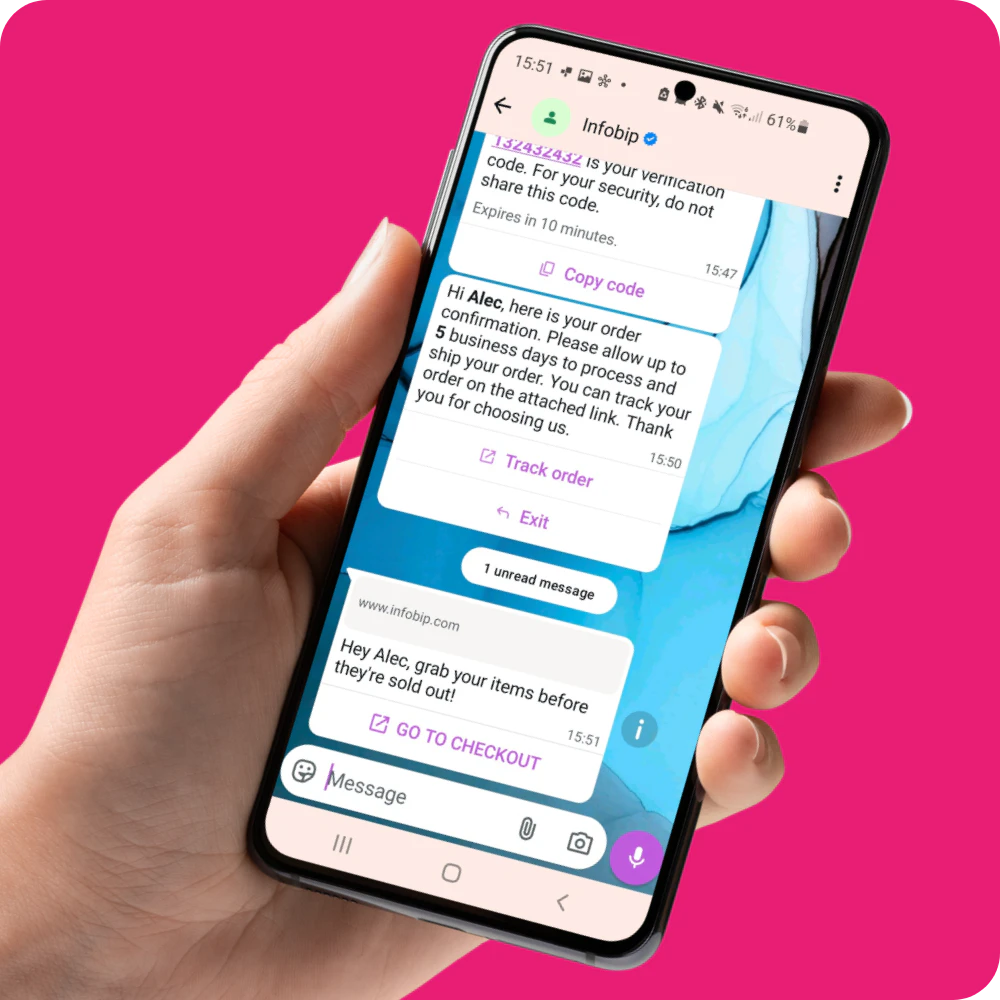
Know when your messages have been seen and interacted with directly within Marketo and Smart List reporting.
Reach more of your audience with the Marketo and Infobip integration by Clevertouch.
Our messaging solution for Marketo is the only one available with Infobip - the leading omnichannel marketing platform - enabling marketing teams to utilise WhatsApp and SMS messaging channels through Marketo to maximise the reach of their communications. No third-party tools required.
Fill out the form below to access our recent on-demand webinar recording and see how to launch, personalise and track WhatsApp and SMS campaigns directly from Marketo:
Know when your messages have been seen and interacted with directly within Marketo and Smart List reporting.

Trigger personalised promotions and messages based on form fills, campaign responses, lead status or engagement activity.

Ensure your audience receive important messages - event registrations, order statuses, service updates and more.
Create your free account 𝐡𝐞𝐫𝐞
Install the self-service flow steps (SSFS) feature in Marketo using the credentials provided from registering.
Configure your first message in a Marketo Smart Campaign and hit send!
Use Marketo tokens to personalise messages securely at scale, with the campaign logic your team already knows.
Add custom text values, unique codes, links, documents, images, videos and more - no new tools or custom development required.
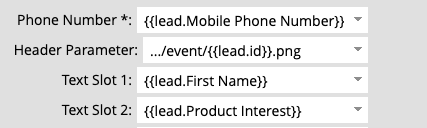
Enable marketers to segment audiences with Marketo Smart Lists and deploy messages through drop-in, self-service Flow Steps within Smart Campaigns.
Schedule or trigger sends using the logic your team already knows - no new tools, no custom development.
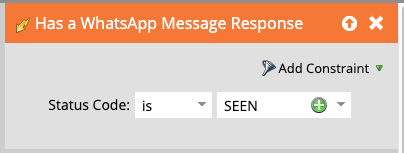
Deliver more dynamic, scalable personalisation using Marketo tokens within your existing workflows.
Tailor messages with custom text, unique codes, links, documents, images, videos and more, all within the workflows your team already uses.
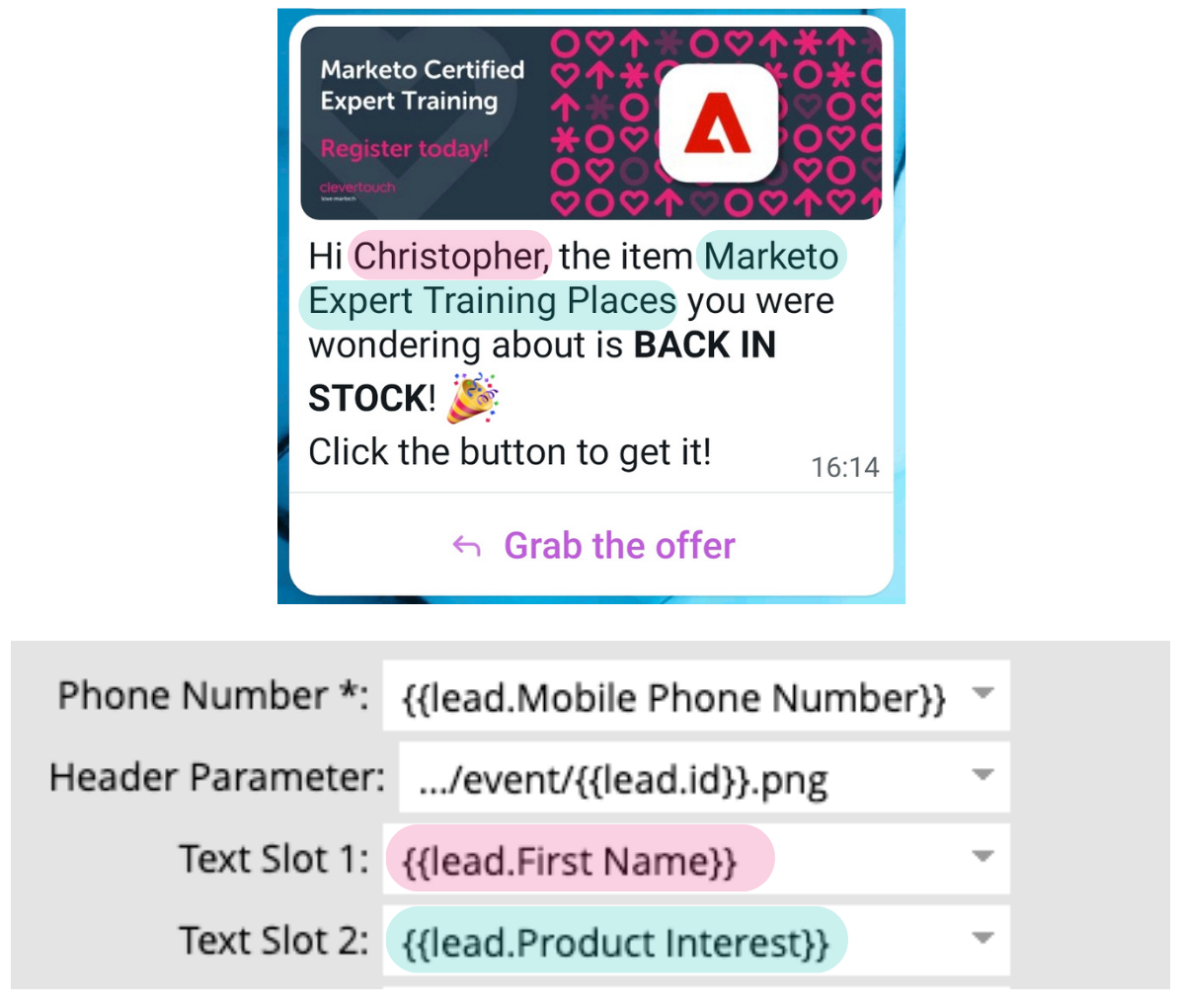
WhatsApp delivery reports write back to each lead as Custom Activities, capturing sent, delivered and seen statuses.
Message activity data can also be synced to your CRM, giving both marketing and sales better visibility.
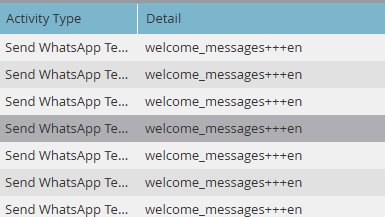

From campaign-led outreach to operational updates, these are some of the ways teams can use SMS and WhatsApp messaging directly within Marketo. Messages can be triggered or scheduled through existing Smart Campaign logic, with audience targeting, personalisation and delivery tracking built into existing workflows:
Infobip and Clevertouch's WhatsApp and SMS Messaging solution enables Adobe Marketo Engage customers to send SMS and WhatsApp messages directly to Marketo contacts and leads using custom self-service Flow Steps (a feature already available in Marketo.) This allows teams to manage messaging within Marketo, without custom development or external third-party tools.
New Templates can be refreshed in Marketo. In the Flow Step or Service Provider section, select Refresh Templates.
Yes. Add two Flow Steps and set conditions with choices.
Yes. Use choice steps in the Flow Step to add conditions to the template message sent.
Yes. The phone field accepts either a token or a fixed value.
Message delivery speed varies based on the channel provider’s throughput and the destination country.
The custom activity that is created is called ‘Infobip Message Response’ and contains the following fields:
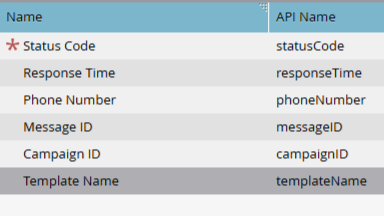
Each field contains a description of the data it will contain.