Changing a Marketo Program channel with existing members

Depending on the Marketo program created, you can link directly to a webinar as well as a Salesforce campaign. When the building the Marketo program and its Local Assets you want to ensure all components of the program have been fully tested. This is typically done by adding a few test records through the program to make them members.
Once testing is complete and you’re happy to launch, you will want to go ahead and link the relevant Event and/or Salesforce campaigns, but an error will occur. This is because there cannot be members in the program prior to linking.
Within the Members tab of the program you have the ability to remove them:
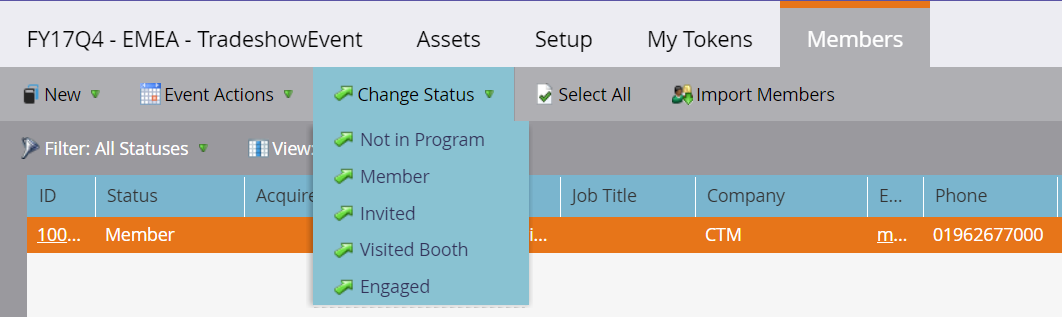
You can the go ahead and launch your Marketo program.


Built for marketing leaders looking at the bigger picture.
Let's build what's next


Trusted by 500+ organisations
worldwide